当前AI其实都有联网检索能力,比如cc下的Claude Code结合了网络检索能力,但是听说Exa是个不错的AI搜索,于是我尝试了下,玩了1天,感觉还不错,这里分享下。
Exa搜索的优势
个人的理解 1.质量,2.速度。因为AI的联网搜索本质就是直接去搜,但是exa的搜索目前看是有一个自己的索引库的,质量上会好很多,速度上也会快很多。
免费/付费
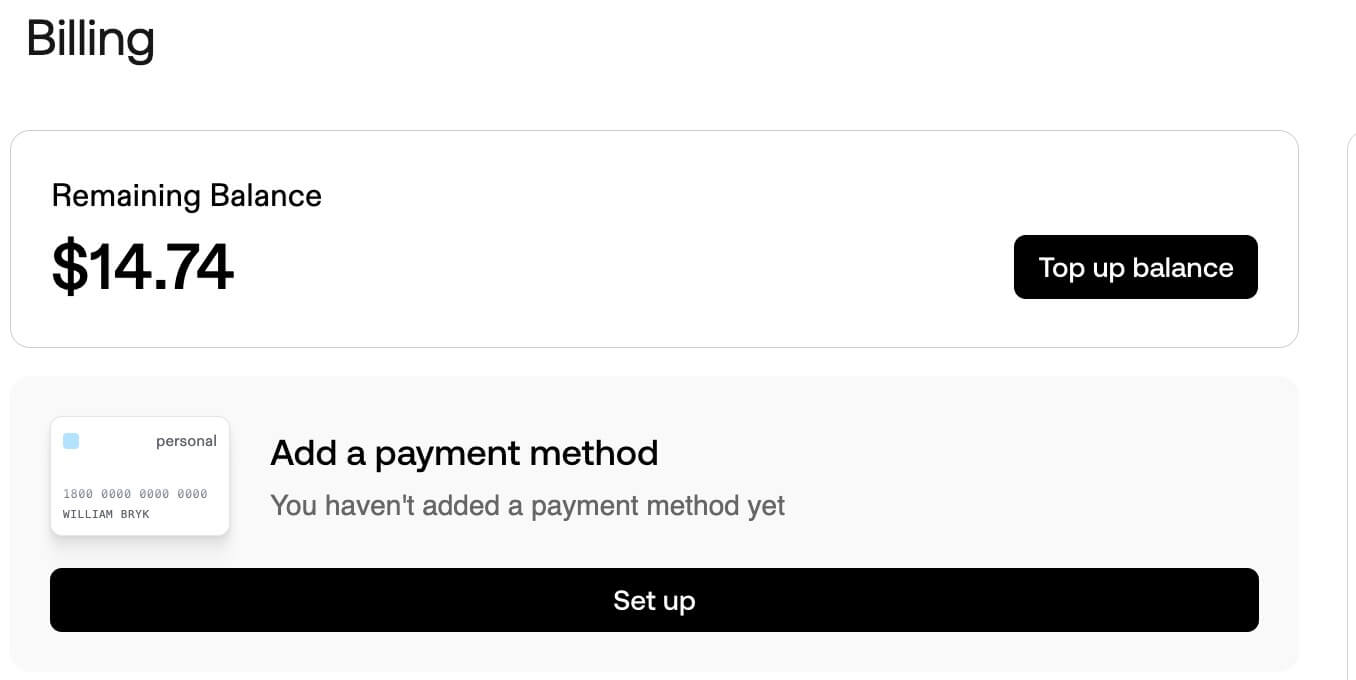
Exa目前是有免费额度的,注册后赠送15USD,可以免费使用一段时间,之后需要付费,好在支持国内Visa支付。
我目前还在使用免费额度阶段,用完后,考虑付费。
安装
注册后,访问 https://dashboard.exa.ai/api-keys 获取key
终端下执行如下命令
claude mcp add exa -e EXA_API_KEY=xxxxxx
注意CC下安装后建议重新进入cc,然后/mcp即可查看是否安装及运行状态。
因为我平时也会用VSC,因此这里也贴下VSC下的安装方式
 "exa": {
      "command": "npx",
      "args": ["-y", "exa-mcp-server"],
      "env": {
        "EXA_API_KEY": "xxxxxx"
      }
    }
使用
最简单的方式是在与Claude对话时,直接输入比如用exa搜下微信小程序如何预览图片即可。之后就可以看到相对高质量的回复,并且响应速度上看确实很快。
替代AI内置的联网搜索
每次都明确在提示词里指定exa很烦,那么可以修改在claude.md这个全局上下文里,添加如下约束,这样AI在判别调用工具时就会使用exa MCP,而不是内置的联网搜索。
# Tool Usage Policy

When performing any search, retrieval, or web-based research task:

- You MUST use the `exa` MCP for all search and content discovery.
- Do NOT use Claude's built-in web search.
- Do NOT use any other MCPs for searching unless explicitly instructed.
- If `exa` is unavailable, you must ask the user how to proceed instead of falling back to other tools.

This rule applies to:
- Technical research
- Documentation lookup
- News or blog discovery
- Any task that requires external information


# Tool Usage Policy

When performing any search, retrieval, or web-based research task:

- You MUST use the `exa` MCP for all search and content discovery.
- Do NOT use Claude's built-in web search.
- Do NOT use any other MCPs for searching unless explicitly instructed.
- If `exa` is unavailable, you must ask the user how to proceed instead of falling back to other tools.

This rule applies to:
- Technical research
- Documentation lookup
- News or blog discovery
- Any task that requires external information
结论
- 总体来说,Exa结合Claude Code的使用体验还是不错的,尤其是搜索质量和速度上有明显提升,推荐大家尝试使用。
- cc下目前我高频使用的mcp就2个,figma和exa,其他的mcp我还没怎么用过。